

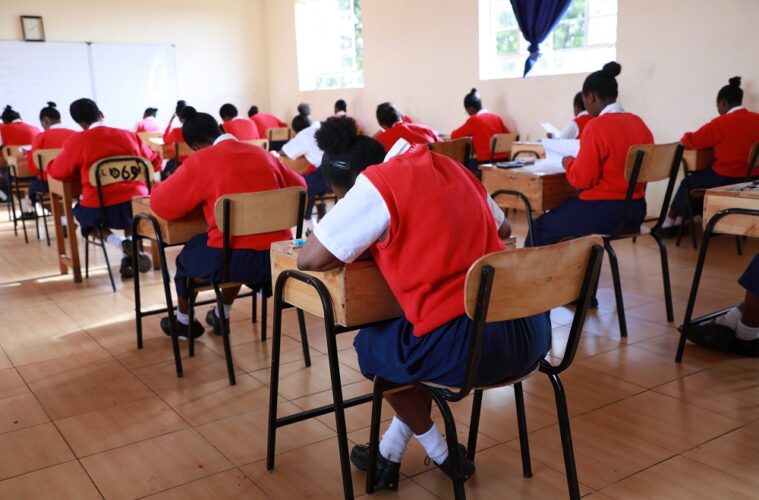
As the Kenya National Examinations Council (KNEC) prepares for the upcoming 2026 national examinations, it is vital for candidates, parents, and guardians to ensure that all registration details are accurate.
Verifying your status early helps avoid last-minute hurdles and ensures a smooth examination season. Below is a comprehensive guide on how to check your registration status and important deadlines you should know.
1. Check your status via SMS
The most convenient way to confirm if a candidate is successfully registered is through the official KNEC SMS service.
- Compose a new message with the Candidate’s Index Number.
- Send the message to 20076.
- This service attracts a charge of Ksh. 25 per SMS across all networks.
- You will get a reply confirming the registration details, including the candidate’s name and examination center.
2. Online verification (Schools and private candidates)
While individuals use the SMS service, school heads and private candidates can also verify details through the official KNEC Portal:
- Visit www.knec-portal.ac.ke.
- Heads of Institutions log in using their center codes and passwords to download the nominal roll, which lists all registered students.
Critical deadlines for the 2026 exam cycle
According to the latest circular from KNEC, the 2026 examination season follows a strict timeline. Note that the council has explicitly stated there will be no late registration allowed this year.
| Milestone | Date / Deadline |
| Registration Period | Feb 16, 2026 – March 31, 2026 |
| Deadline for Data Amendments | May 22, 2026 |
| Official Verification Period | Throughout April and May 2026 |
Important notes for 2026 candidates
- The 2026 KCSE is the second-to-last examination under the 8-4-4 system as Kenya fully transitions to the Competency-Based Curriculum (CBC). Candidates are urged to ensure their data is correct to avoid missing out on these final sittings.
- For the 2026 cycle, KNEC has enhanced transparency by allowing parents to receive SMS-based confirmations to verify that their child’s school has successfully uploaded their details to the national database.
- If the SMS service returns an error or indicates that the index number is Not Found, immediately contact your school’s Head of Institution or the nearest Sub-County Director of Education.
Warning: Ensure you use the official code 20076. Beware of fraudulent numbers claiming to offer registration services for a fee. All payments for private candidates should be made through official government channels like eCitizen.